Whether you’re a manager who oversees a group of employees, a company owner, or a freelancer that uses a personal computer, private time is a feature for building trust and maintaining professionalism between all parties.
DeskTime time tracker starts and stops working when you do, from the minute you turn on the computer, to the minute you turn it off. No manual data entries - DeskTime tracks and calculates productivity automatically for you. So that you can rely 100% on the data you see.
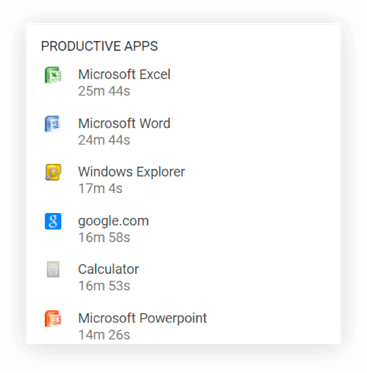
See what websites, programs, and applications your employees use, and categorize them into productive or unproductive for completing their work tasks. Through such internet usage monitoring, see how your employees spend their days, as well as each person's average productivity.
Know which tasks your team is working on when they use specific programs, like Excel, Word, Photoshop, etc. Instead of just displaying the total time spent on the program, DeskTime will also record titles of documents or files and time spent on each of them.
Reviews and ratings from real users on Capterra - software rating platform.
Auto screenshots
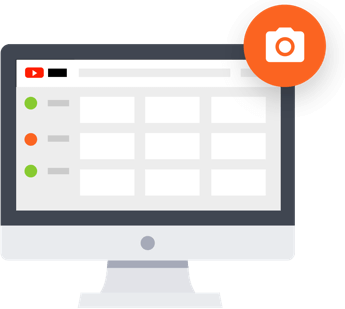
Activate the screenshots feature for a more detailed view of your team’s efficiency and for monitoring remote employees. Every 5, 10, 15 or 30 minutes DeskTime will take a screenshot (regular or blurred) of what everyone is working on and automatically highlight shots that have caught unproductive activities..
Collect accurate data about the time spent away from the work computer. Specify the reasons for absence and put them down as productive, unproductive, or neutral. That way, you'll have a more precise overview of your team's workload, time management, and productivity.
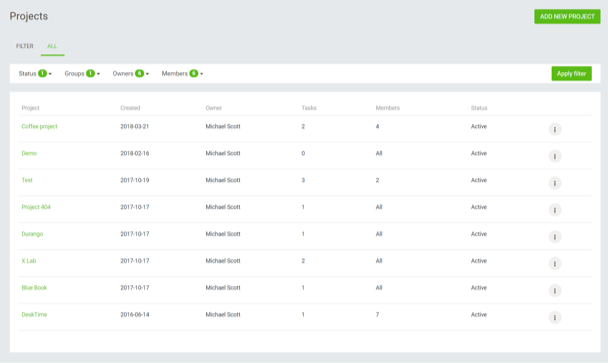
Track time of individual projects and tasks. Get an idea of the status of your projects, estimate the time required for similar projects in the future, and bill your clients accurately for the work done.
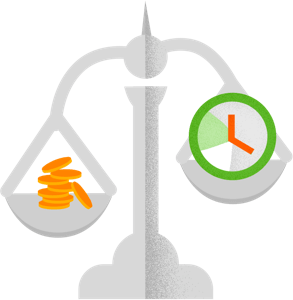
Know how much each project cost to the company and how much you should charge your customers with the integrated time billing feature. Set your and the team's hourly rates, and DeskTime will automatically calculate project costs based on time spent working on it.
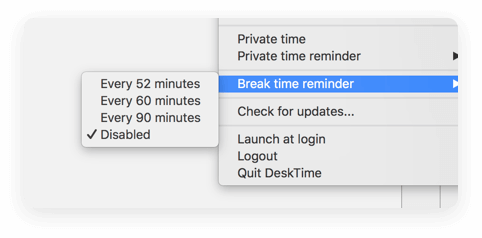
Make sure your team not only works hard but also remembers to take breaks to avoid burnouts. Activate the built-in Pomodoro timer that will remind you to take a pause from work every 52, 60 or 90 minutes.
Let your employees feel safe when they need to quickly do something work-unrelated during office hours. Anyone at any time can turn on the Private time feature, and while it's on, the time and websites used won't be tracked.
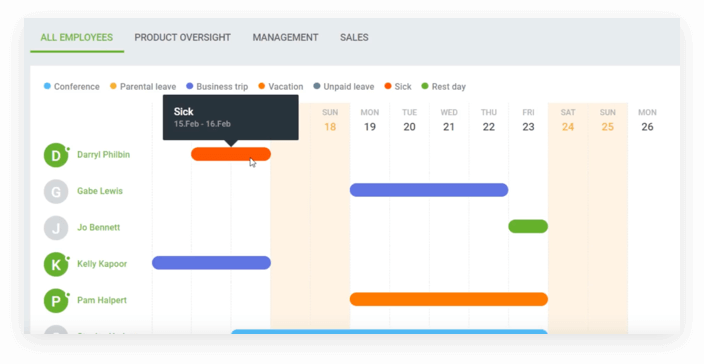
Coordinate time off with the DeskTime employee absence calendar. It allows employees to plan their schedules and let the team know when they’ll be on vacation or home sick. This eliminates unnecessary questions about whereabouts of absent employees and helps you plan everyone’s workload.
Access the team’s contact information through DeskTime to make communication within the team more efficient. It is no longer necessary to ask a colleague for another colleague’s email or phone number - saves time and interruptions.
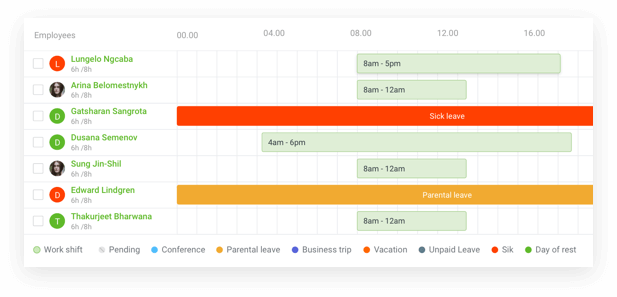
Plan and schedule your team's shifts more effectively and 6x faster than when using spreadsheets. See a complete daily, weekly, and monthly overview of shifts, avoid overstaffing and understaffing, and track your shift workers' productivity with ease.
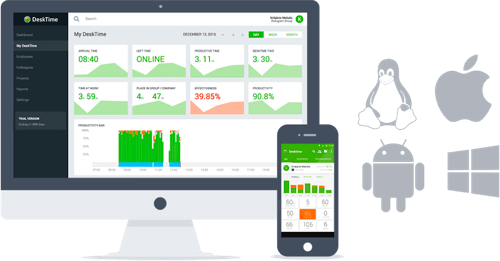
Oversee the performance of your team not only from your desktop but also from your iPhone or Android device. Use the DeskTime mobile app to log details about your offline time and get access to your company’s performance reports while on the go.
Simplify your company’s workflow with DeskTime integrations - from calendar apps to help you track offline time, to project management software to make project and task tracking accurate, while effortless.
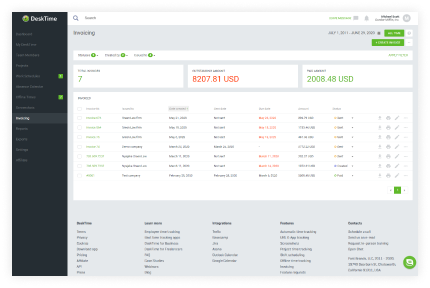
Use your tracked time to create and issue precise invoices to your clients. Gain an overview of sent invoices, as well as their payment status. And send them automated reminders when an invoice is overdue.
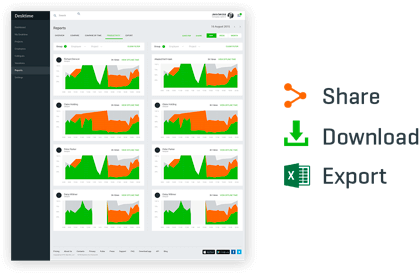
Customize reports with the help of various filters to see the exact data you need. For example, use DeskTime Reports to create reports about the company’s productivity status, websites used at work or time spent on specific tasks. Then share, print, or export them to CSV.
Start tracking your employees' time with DeskTime!
The time tracking software that over 15.6k employers love and 353k employees don't mind using.